
Getting started with Reports
To generate the report, go to the "My Team" section, select the users for whom you want to get the report, and click "Create Report".

Specify the reporting period in the next window.

After you select the period, go to the generated report. To do this, press “Form report”.

In the next window is a report on selected users for the specified period.
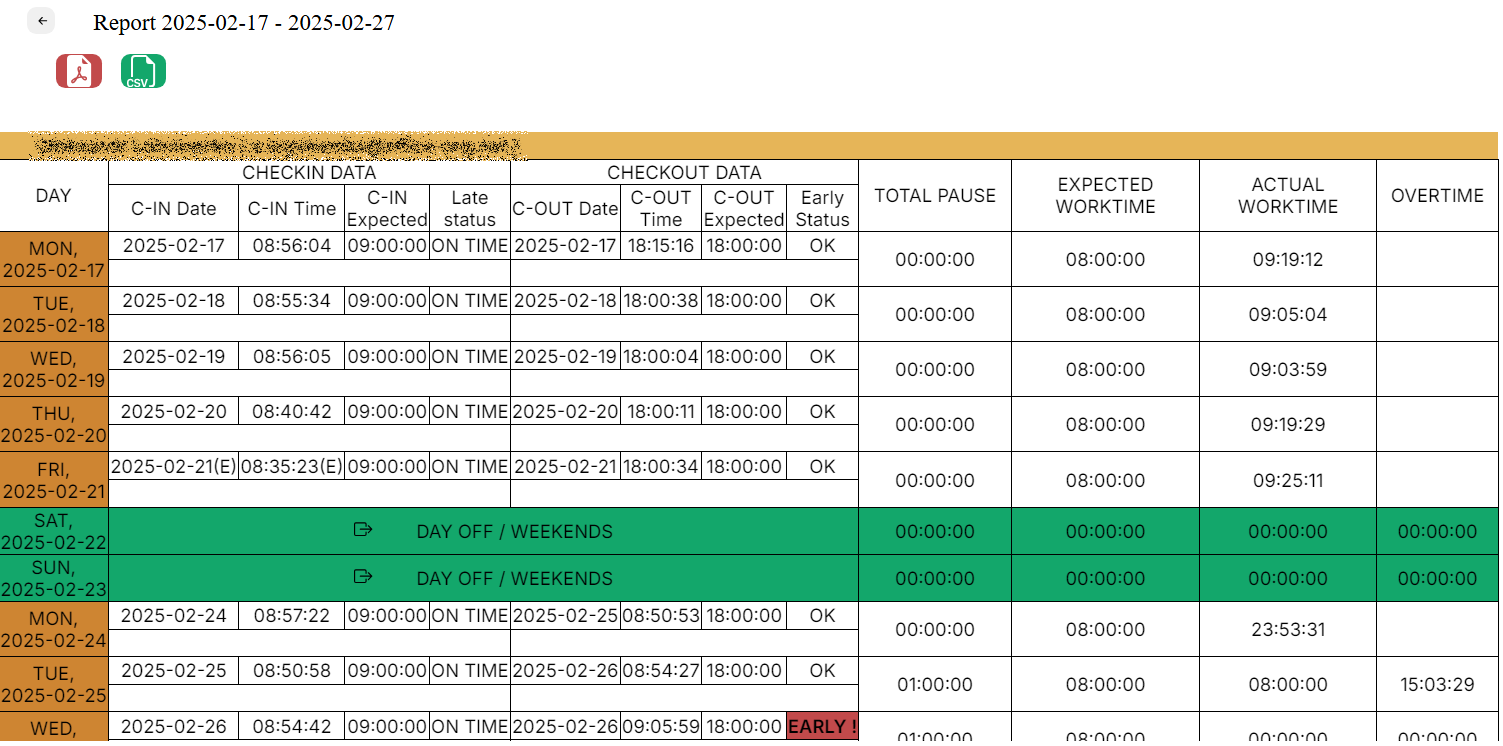
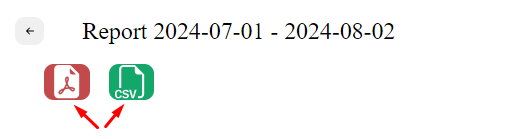
The report can be downloaded as a pdf or csv by pressing the button, as shown in the screenshot below.
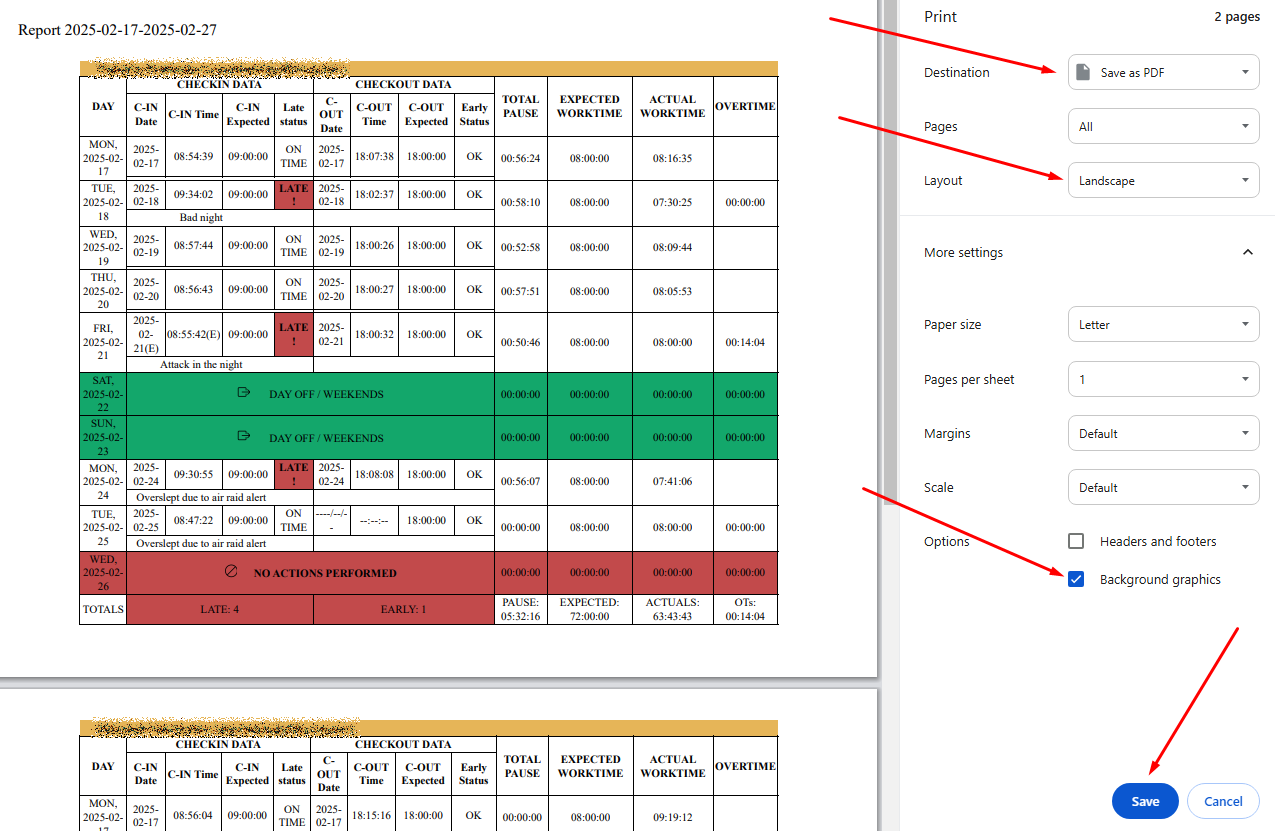
A new window will open in the browser, which allows you to download the report.
If you want background coloring to be printed as well, press “More settings” and check “Background graphics” in the “Options” section, as shown in the screenshot below.
No Comments