
Overview
The My Team Schedules section is designed to view and control the schedule of the entire team.
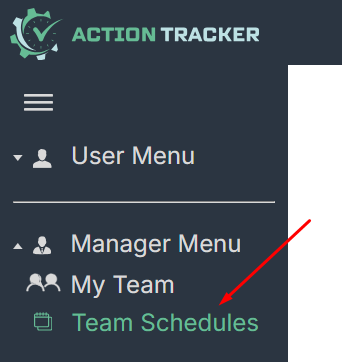
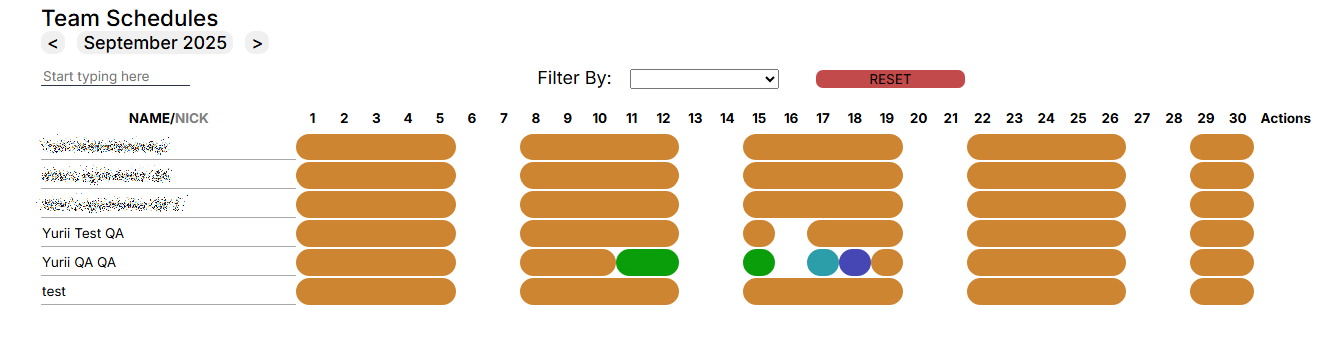
In this section, the manager can:
- View the list of team members.
- Check the schedules established for the team.
- See who made the changes to the work schedule and is waiting for approval.
- View statistics for a selected contractor.
- Change work schedule.
- Set holidays in the schedule.
Team Schedule Window.
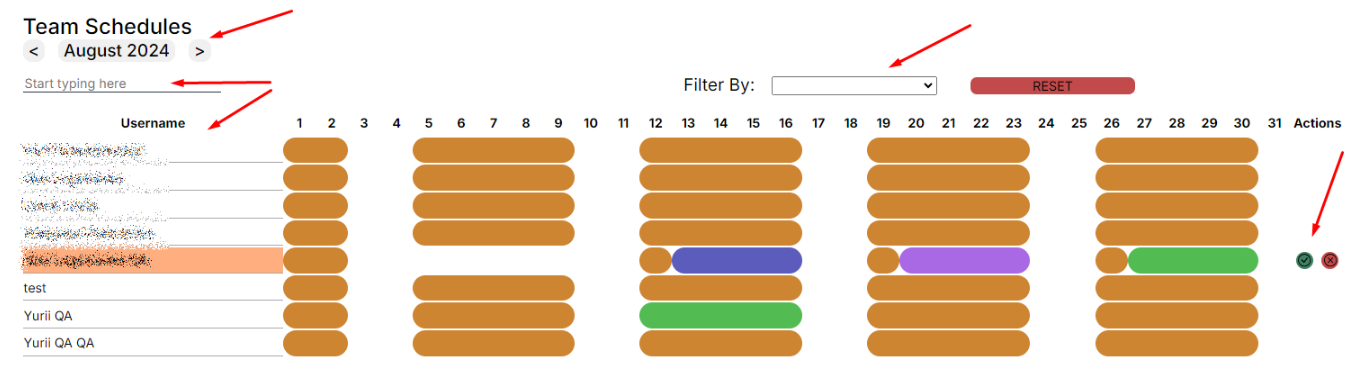
- displayed month,
- list of team members,
- search in the team,
- filter By,
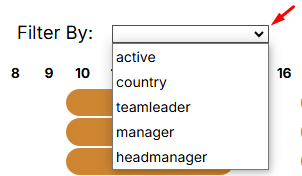
- calendar,
- actions — actions of the user awaiting the approval of schedule changes.
- Set Holiday - button to add Holiday (day off).
List of events in the calendar:
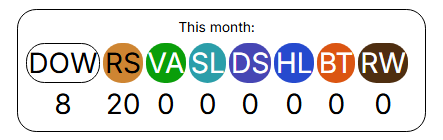
- DOW - DayOff/Weekend - absence, unpaid
- RS - Regular Shift - paid
- VA - Vacation - absence, paid
- SL - Sick Leave - absence, paid
- DS - Duty Shift - paid
- HL - Holiday - absence, paid
- BT - Business Trip - paid
- RW - Remote Work - paid, mark the day of work from home
No Comments