
“Action History” window
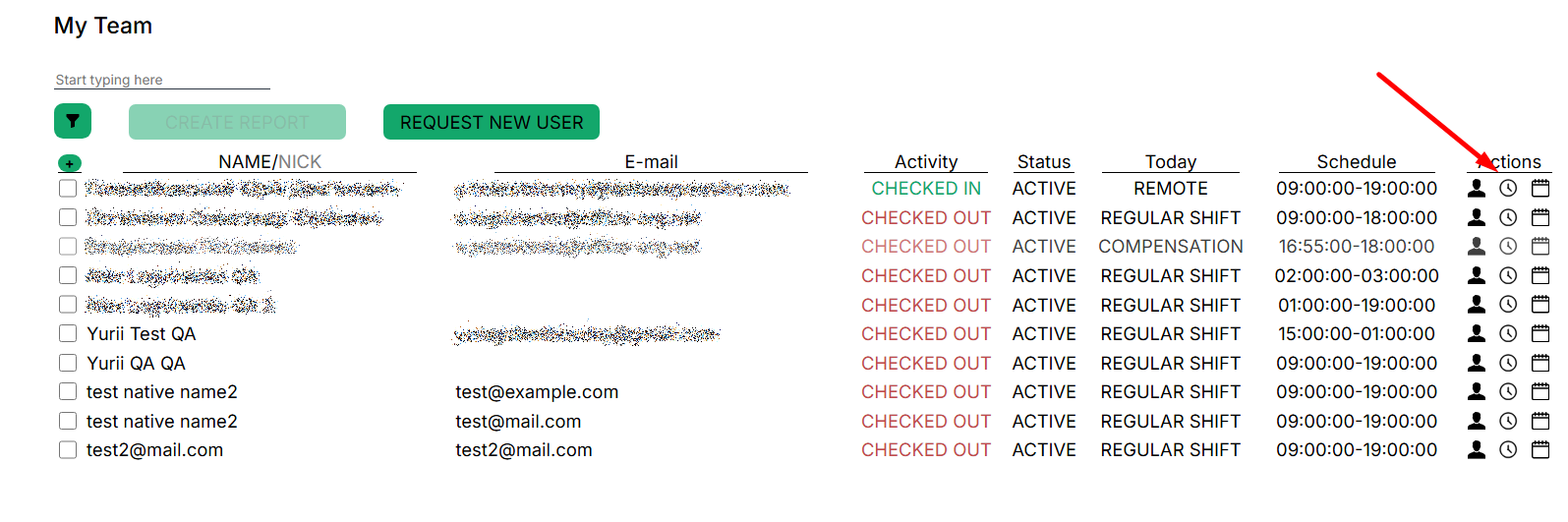
The selected user’s check-in, check-out, pause start, and pause stop data is accessible from this window. To close the window, press the arrow in the upper left corner.

You can filter events by date by specifying the period of interest and the type of event.


When the period and type of the event are selected, press the “Filter” button to display the matching values:

No Comments