
Holiday Schedule
Set Holiday buttonSchedule - is necessary to add holidays for setting holidays, must be applied separately for each contractor in the entire team. This type of workevent in the employment schedule countsis counted as a paid day off.
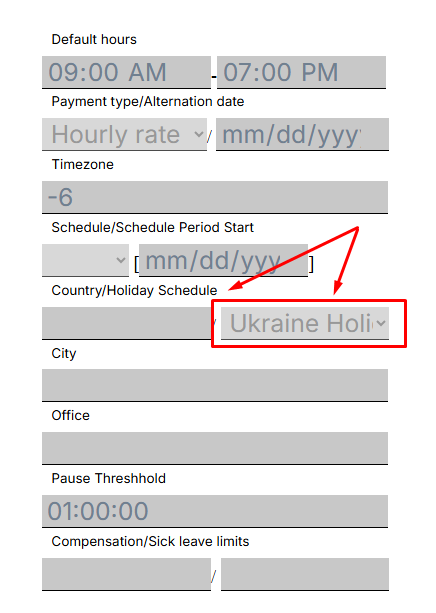
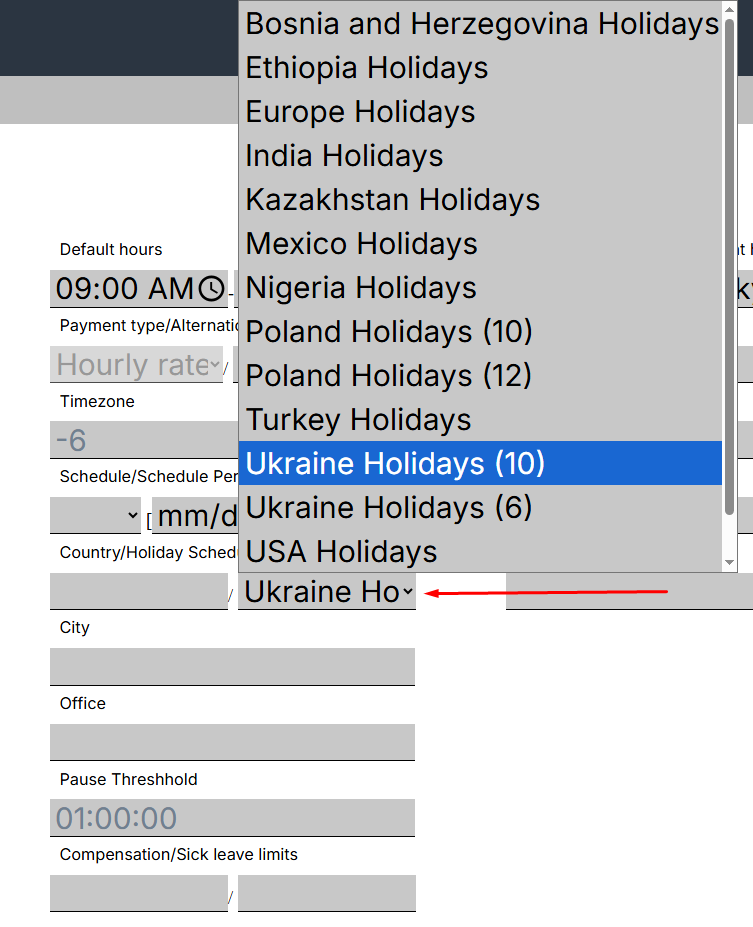
To addconfigure athe holiday,holiday setup for the selected contractor, open the profile of the relevant contractor, click on the “SetEdit Holiday”User” button, and inselect the windowsetup that opens, fill infrom the fields.drop-down list. Then click the “Save changes” button.
The action will be accompanied by a window about successful execution.
In the “Team Schedule” menu, the Holidayholiday will beonly appliedapply to the entireselected team,contractor.
with one exception.
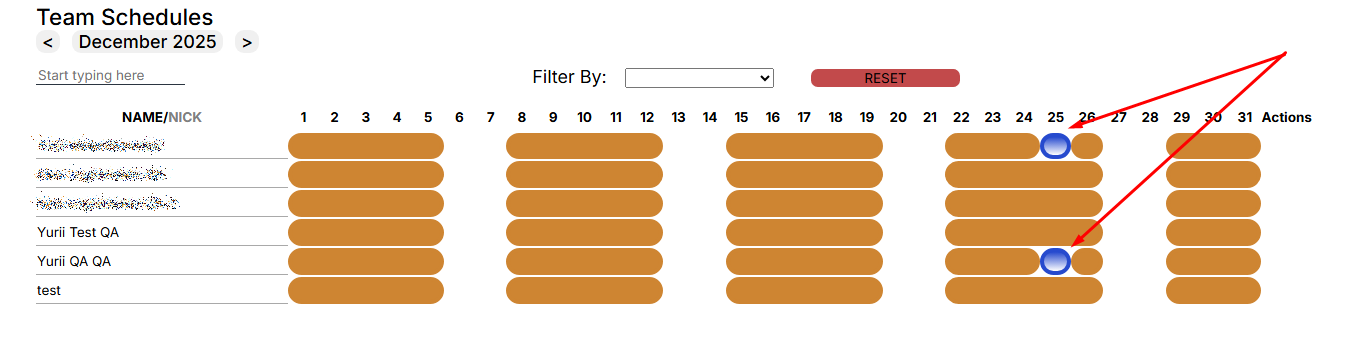
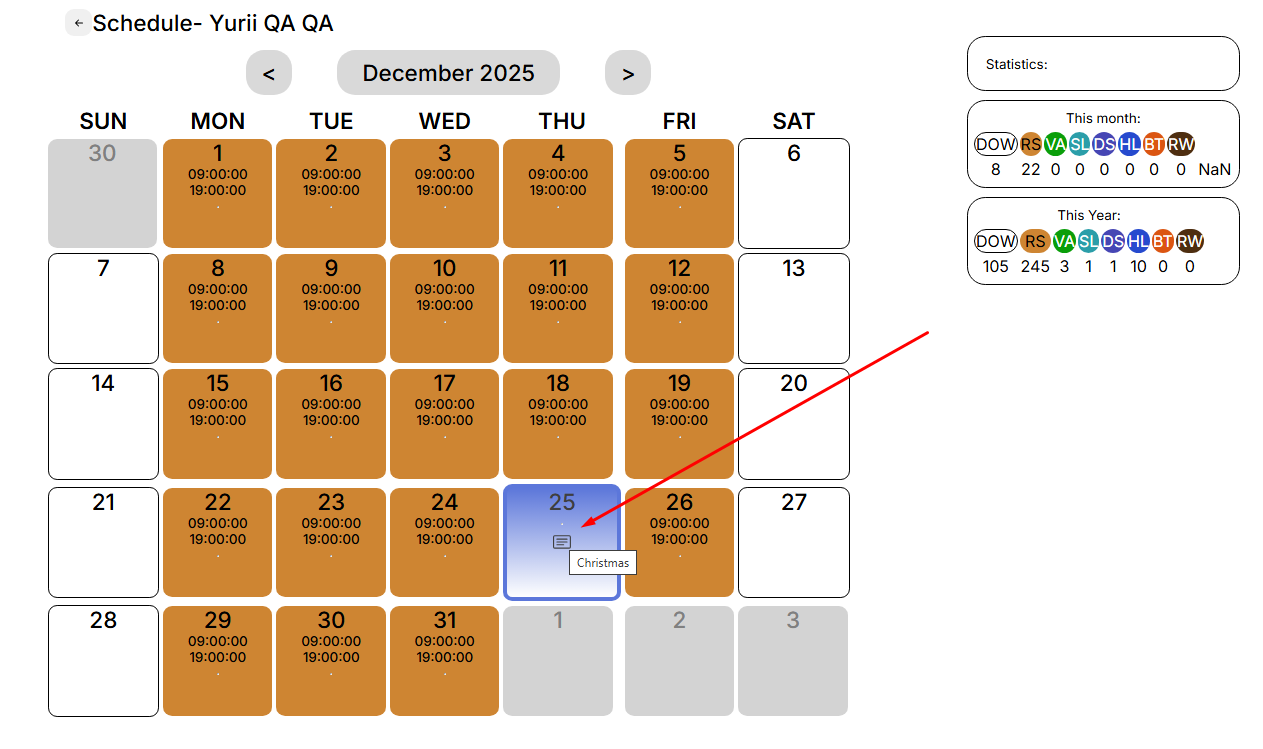
If you open the calendar of the selected contractor, the holiday will be applied as a Schedule type for the day and +1 day to “HL” will be displayed in the statistics window..
Pay attention to:
- The holiday will not apply to a contract employee who already had a personal schedule for that day.
- The holiday will not apply to a contract worker who has less than one year to sign the contract.