
Set Holiday
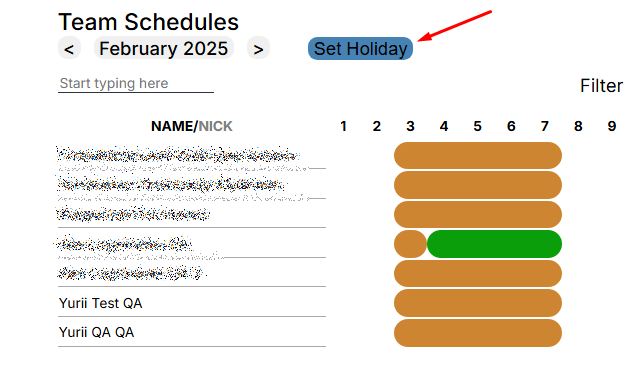
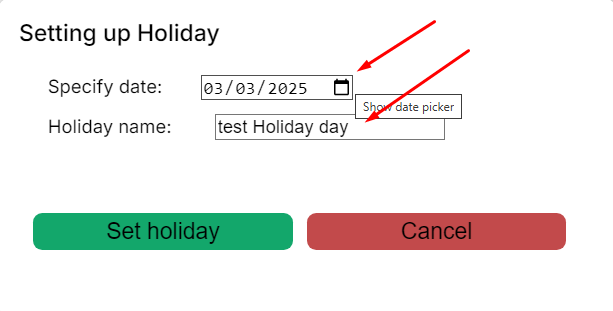
To add a holiday, click on the “Set Holiday” button, and in the window that opens, fill in the fields.
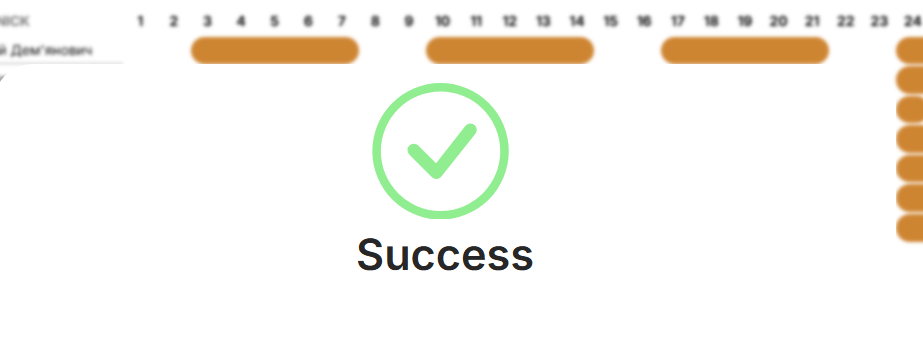
The action will be accompanied by a window about successful execution.
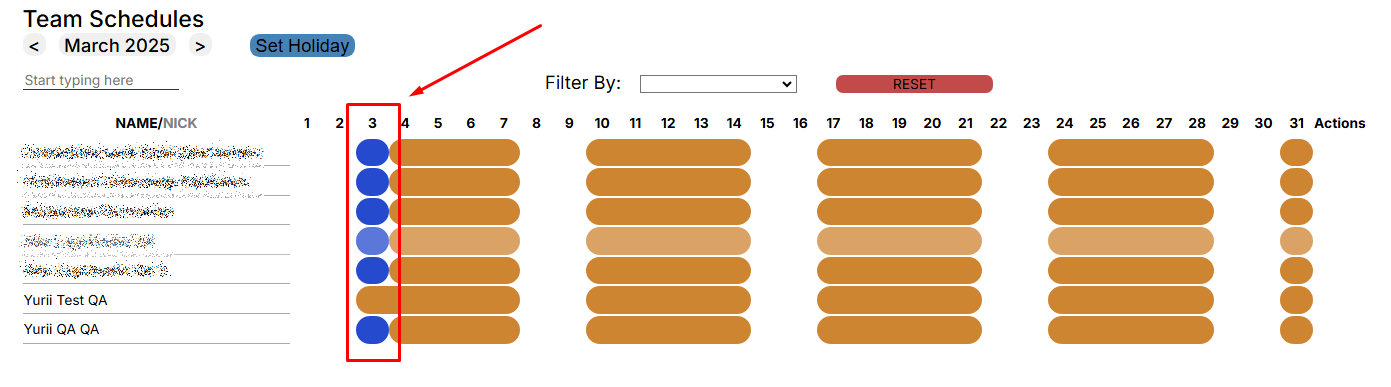
In the “Team Schedule” menu, the Holiday will be applied to the entire team, with one exception.
If you open the calendar of the selected contractor, the holiday will be applied as a Schedule type for the day and +1 day to “HL” will be displayed in the statistics window..

Pay attention to:
- The holiday will not apply to a contract employee who already had a personal schedule for that day.
- The holiday will not apply to a contract worker who has less than one year to sign the contract.