Holiday Schedule
Holiday Schedule - necessary for setting holidays, must be applied separately for each contractor in the team. This type of event in the employment schedule is counted as a paid day off.
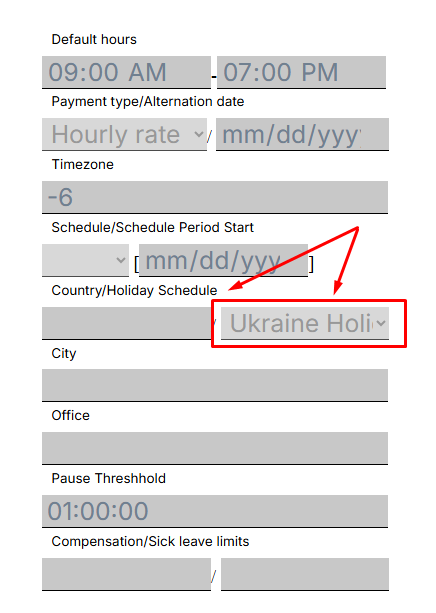
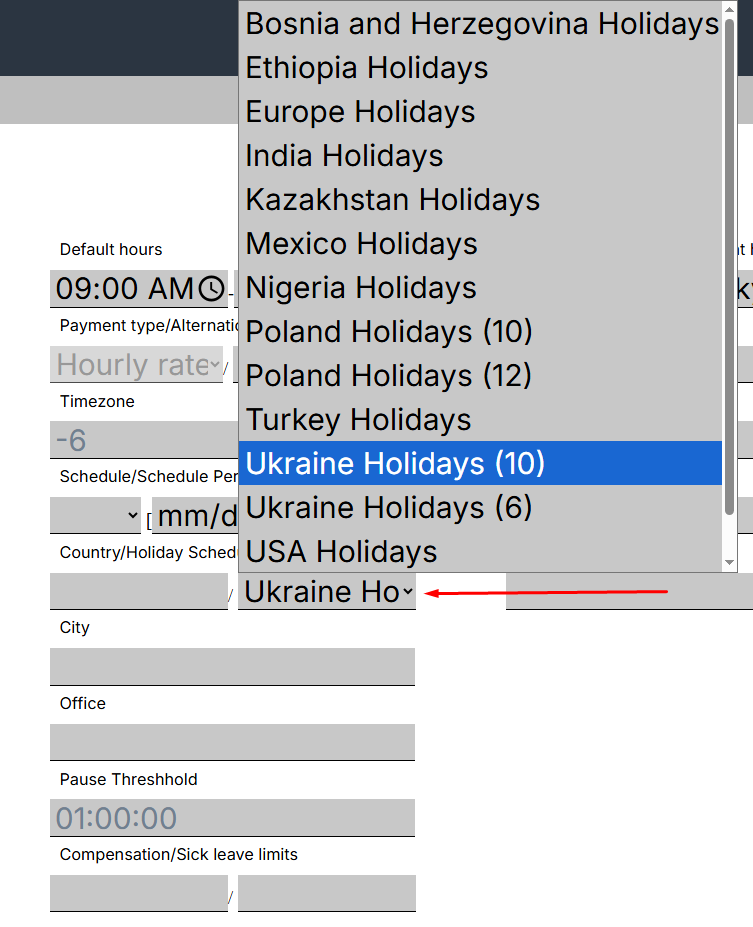
To configure the holiday setup for the selected contractor, open the profile of the relevant contractor, click the “Edit User” button, and select the setup from the drop-down list. Then click the “Save changes” button.
The action will be accompanied by a window about successful execution.
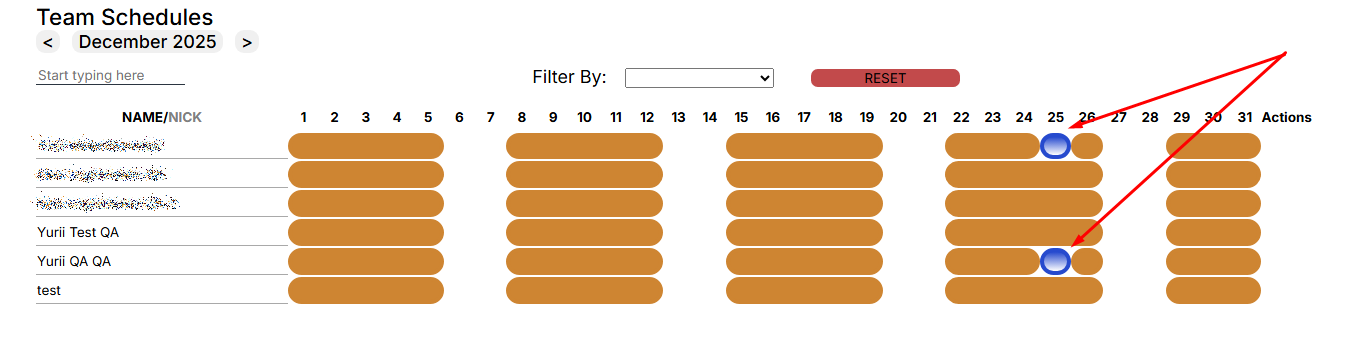
In the “Team Schedule” menu, the holiday will only apply to the selected contractor.
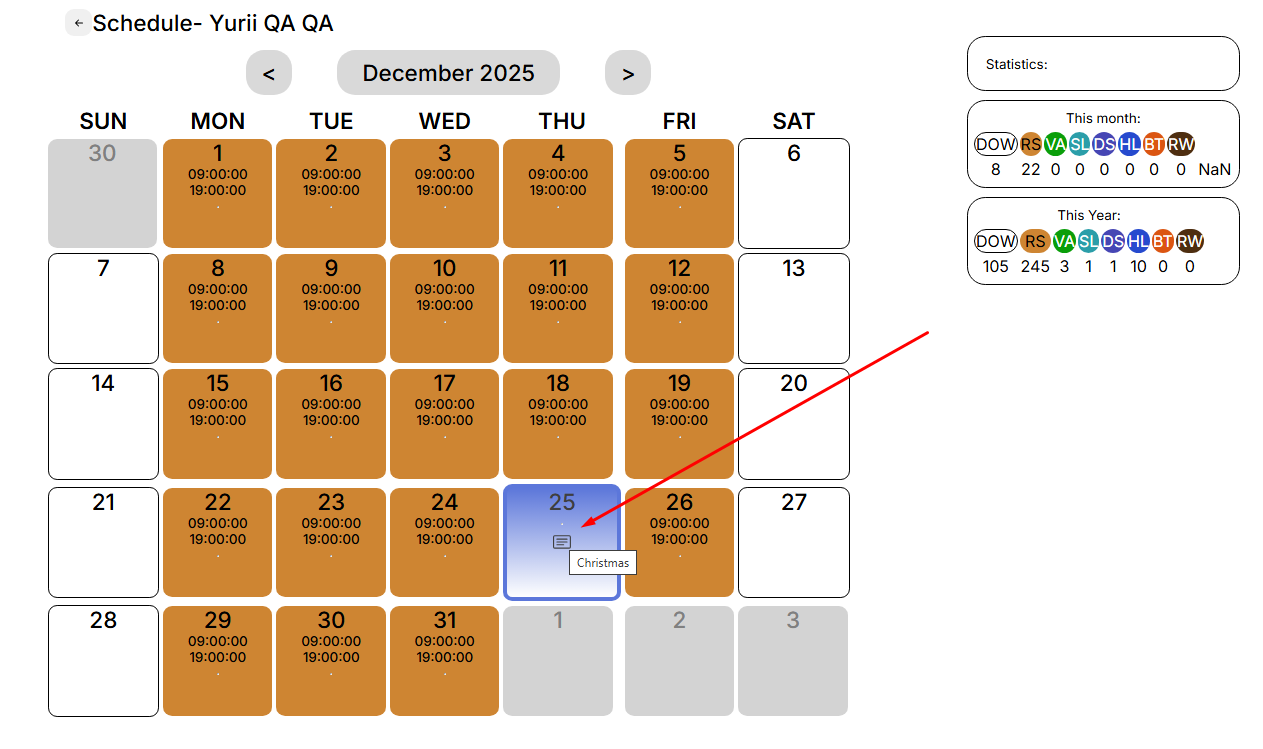
Pay attention to:
- The holiday will not apply to a contract employee who already had a personal schedule for that day.
- The holiday will not apply to a contract worker who has less than one year to sign the contract.